
About the app
NetRunbookAutomated network troubleshooting with Runbooks
Troubleshooting that runs itself.
NetRunbook is for the technician holding a ticket that says “the printer is down”. Instead of running ping, then a port check, then a certificate checker, and writing it all up afterwards, you start a Runbook. It pings the device, checks its service port if it answers, reads its TLS certificate if the port is open, and stops to tell you when the gateway itself is the problem.
Every decision is recorded with the values it compared, so the result shows why each step ran or was skipped. A Diagnostic Session keeps the whole investigation as one record: paste it into the ticket as text, or export a PDF, CSV or JSON report. Network Snapshots show what changed since last time, and thirty tools are there when you work by hand.
The free version includes the core tools, sessions you run by hand, Investigate Host, three snapshots and two Runbooks. NetRunbook Pro is a one-time purchase that adds the Pro tools, snapshot comparison, unlimited history and exports. NetRunbook Automation is an optional monthly subscription with everything in Pro plus every Runbook, the Runbook Builder and For Each; if it ends, your Runbooks and reports stay viewable.
Screens
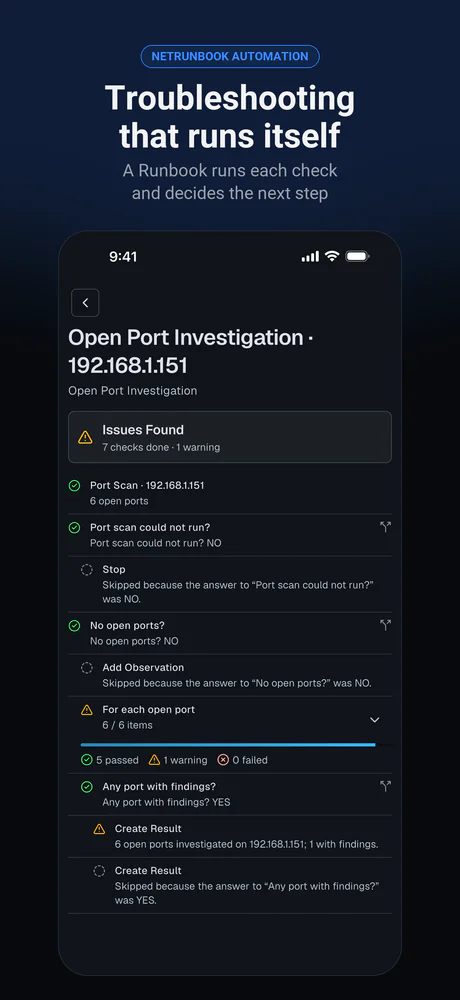
The Open Port Investigation Runbook running on one host: the port scan, each decision it took and the steps it skipped, and a For Each over the open ports 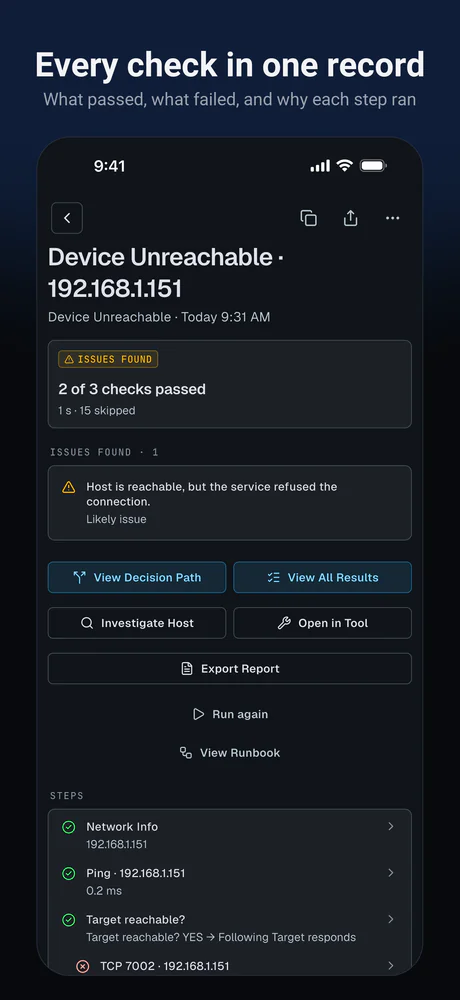
The result of a Device Unreachable session: which checks passed, which failed, and why later steps were skipped 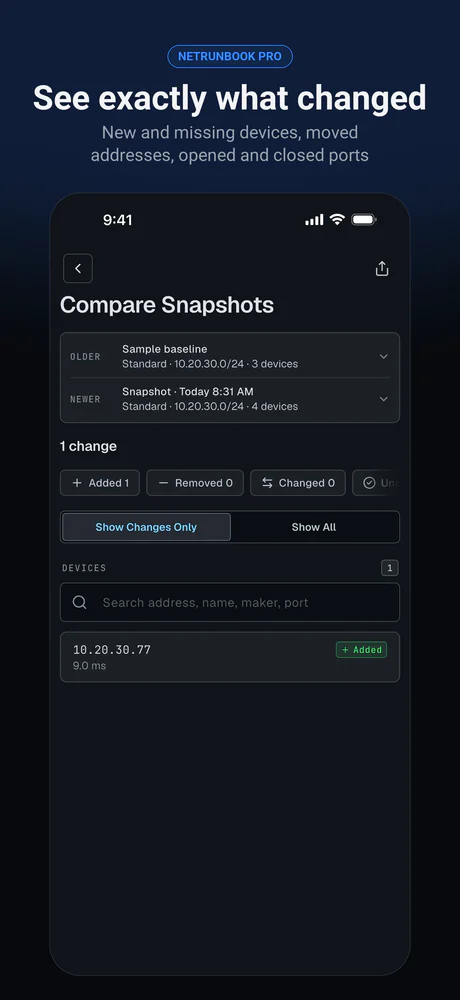
Two network snapshots compared, showing the one device that was added between them 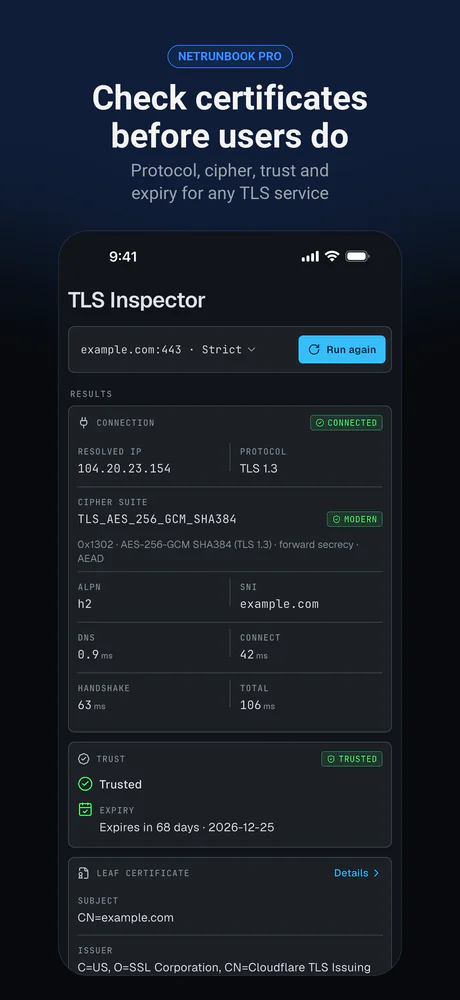
The TLS inspection of one service: protocol, cipher suite, trust and certificate expiry
What it does
Runbooks that decide
Each step runs a check and Decisions branch on the result: if a device answers ping, check its port; if the port is open, inspect its certificate. Every decision is recorded with the values it compared.
Reports for the ticket
Every run is a Diagnostic Session: what passed, what failed and where to look next, as paste-ready text or a PDF, CSV or JSON report.
Test every device a scan finds
After a subnet scan, For Each runs the same checks on every device it found, with one result per device.
Ready-made or your own
Device Unreachable, Internet Troubleshooting, Web Server, DNS, HTTPS Device Audit, Open Port Investigation and more. Duplicate one or build your own from steps, decisions and branches, with no scripting.
See what changed
Compare two Network Snapshots: new and missing devices, changed addresses, and ports, services or certificates that changed. Investigate Host puts one device's whole picture on a single screen.
Thirty network tools
Ping with a live chart, traceroute, port and subnet scanners, mDNS and Bluetooth LE browsers, DNS, Whois, SPF, DKIM and DMARC checks, a TLS inspector, an HTTP tester, TCP, TLS and UDP clients, file sharing and subnet calculators.
What this app is, and is not
- Only scan or probe networks and devices you own or are authorised to test.
Availability
- Platforms
- iPhone, iPad and Android
- Price
- Free, with Pro (one-time) or Automation (monthly)
- Published by
- ClickSpark Software


Google Play and the Google Play logo are trademarks of Google LLC.