
About the app
FrameHangPlan a gallery wall before you hang a single frame
Design the wall before the nails.
One frame is easy. Nine frames, in a staggered arrangement, evenly spaced, centred over a sofa that is wider than the gallery — that is where people end up with a wall full of filled-in holes. FrameHang, a gallery wall planner, lays the whole arrangement on your actual wall first, at true size, and lets you move it as one thing.
It is built as a design tool rather than a measuring instrument. Generate layouts from the frames you already own, snap them to each other's edges and centres, hold a consistent gap while everything moves, and try your own photographs inside the frames before deciding what to print.
Screens
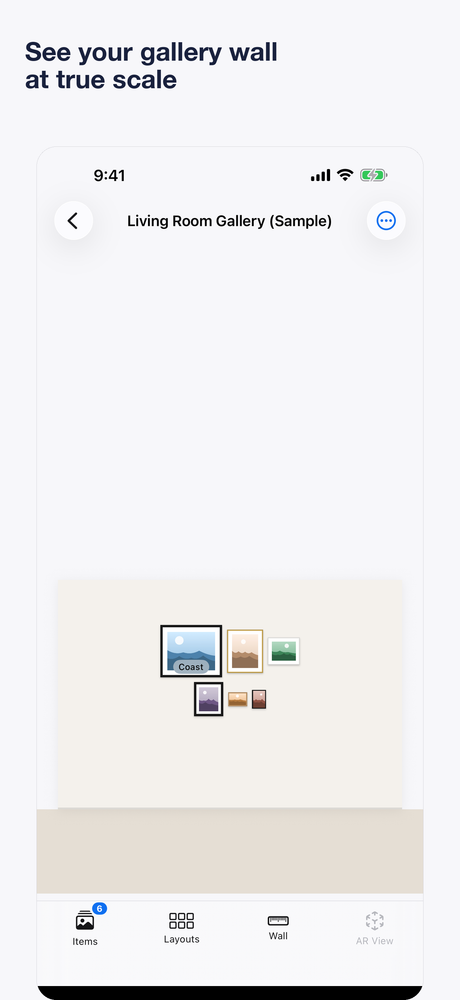
A six-piece gallery arrangement laid out on the wall canvas at true scale 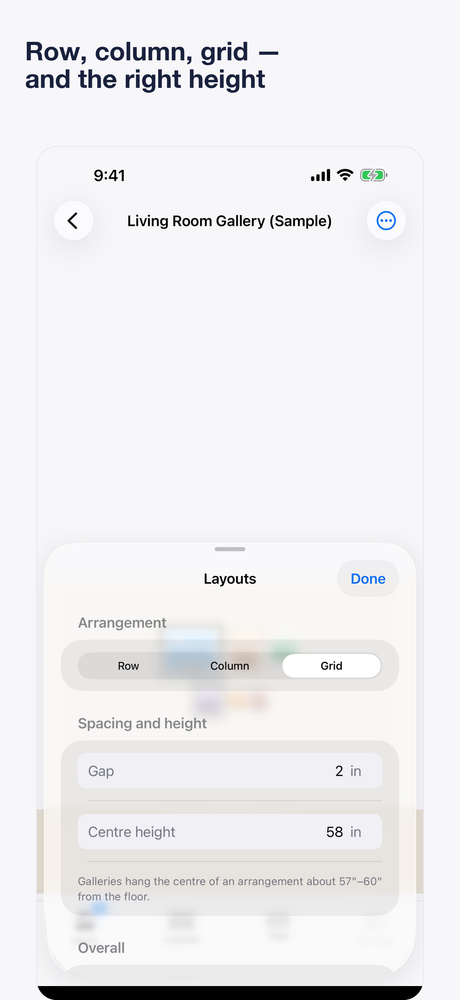
Layouts — row, column or grid, with the gap and centre height held 
Adding a piece by its real size, from standard print sizes or custom measurements 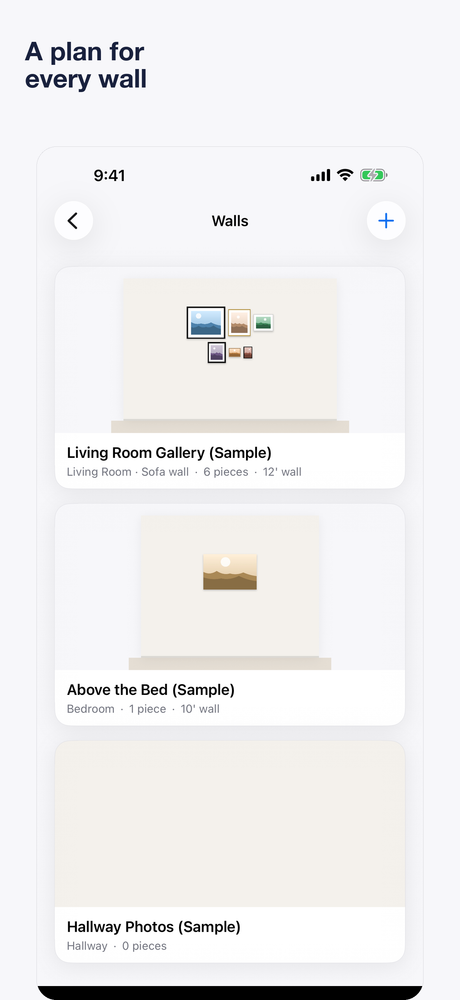
Walls — a saved plan for each wall in the house
What it does
A whole arrangement, not one object
Place two frames or twenty, select several at once, and move the entire gallery as a group while the spacing between pieces holds.
Gallery wall designer
Enter the frames you own and get arrangements that actually fit them — grid, staggered, salon, symmetrical, triptych, a single row or a vertical stack.
Even gaps and snapping
Choose a 2, 3 or 4 inch gap and it is maintained as you rearrange. Frames snap to each other's tops, bottoms, centres and edges the way objects do in design software.
Real frames, mats and orientation
8×10, 11×14, 16×20, 24×36, square or panorama, in black, white, wood or gold, thin or thick — and 8×10 artwork inside an 11×14 mat, since the art and the frame are rarely the same size.
Your own artwork on the wall
Drop your photographs and prints into the frames, then swap the art without rebuilding the layout — useful for deciding what to print before you pay for it.
Centred on the furniture, not the wall
Centre a 60-inch-wide gallery over an 84-inch sofa rather than over the wall, see the arrangement's overall dimensions and its distance to the ceiling and adjacent walls, then export a plan naming which frame to hang first.
What this app is, and is not
- AR measurements vary by device and environment. Verify every figure with a physical tape measure before making a hole.
- FrameHang does not detect studs, wiring or pipes behind the wall.
- Choosing hanging hardware, and staying within its weight rating, is yours to judge — follow the hardware manufacturer's limits, particularly for heavy or glazed pieces.
- Photo Estimate Mode is a scaled estimate from a calibrated photograph, not an AR measurement.
Availability
- Platforms
- iPhone and iPad
- Price
- Free
- Published by
- ClickSpark Software
Store links are added here once the app is live.